Brat Generator – Free Charli XCX Album Cover Generator
Create Charli XCX’s inspired custom Brat Album covers with our free Brat Generator tool.
Many people want to create images like the Brat album cover, but most tools are either complex or not always available. This makes it hard for daily users to recreate that style easily.That’s why I built this Brat Generator website. This brat maker lets you create the same style image in seconds. You can choose colors like green, white, or pink, add your text, and download your design instantly without any skills.
What is Brat Generator
Brat Generator is a simple browser based online tool built to replicate the aesthetic style of Charli XCX's famous Brat Album which was released in 2024. The album's cover became a cultural moment very quickly and people started making their own versions for memes, social posts, and personal projects.
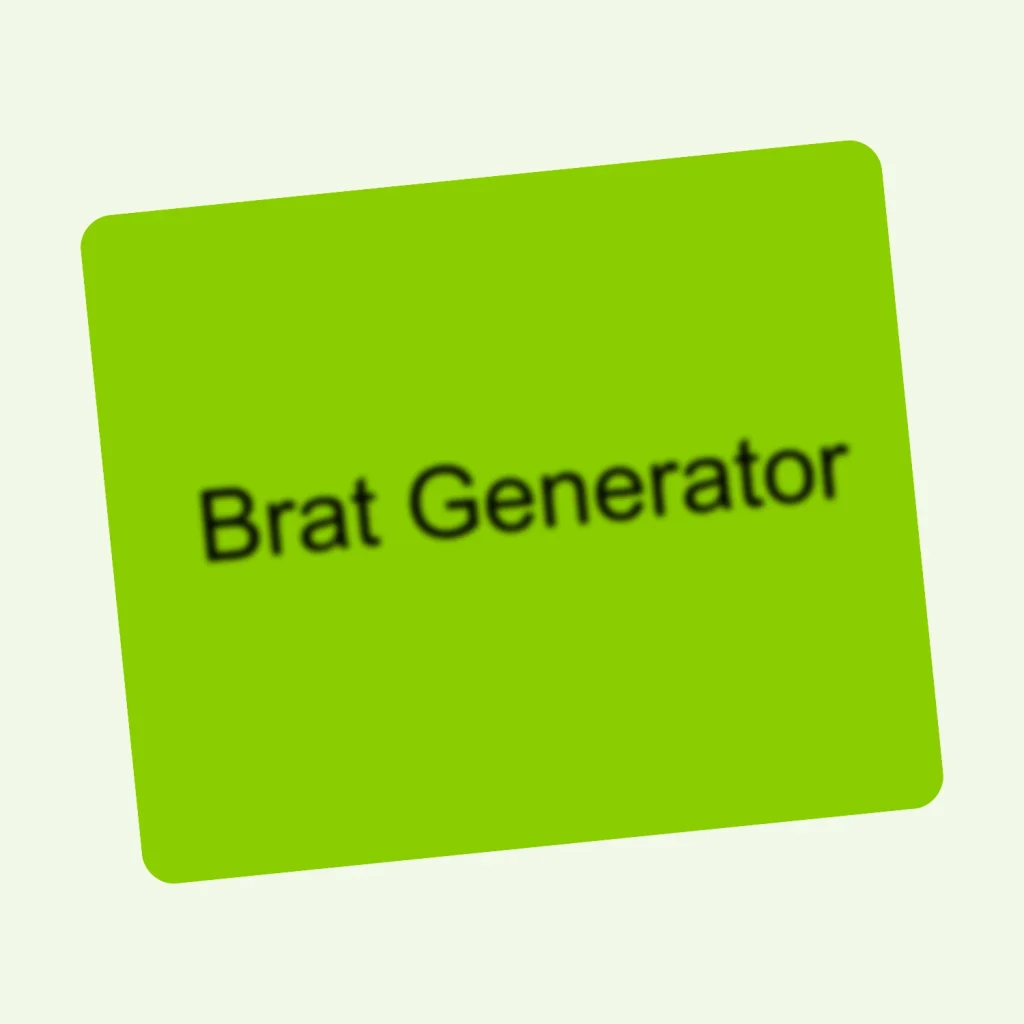
The Tool takes the exact styles, the blurry text, the heavy font, the bold colors, the aesthetic look and puts it into your hands. It is not just helpful for Album fans even the normal people are using it in their life. Content creators, designers, and everyday people use it to make eye-catching visuals when they need something quick and different.
How to Use Brat Cover Generator
This simple tool takes only your few seconds to create album style covers without any complexity. Here are the steps you need to follow.
Start by typing your word or phrase into the input box. It can be anything like your name, a word, a phrase. The tool applies the brat font style automatically, so you don't need to worry about formatting.
The second step is to pick your background color. The classic lime green is selected by default, but you can switch to black, white, pink, red, or enter a custom hex code if you want something specific.
Now, you need to set your text alignment. A dropdown lets you choose between left, center, and right. Center alignment is selected by the default and gives you the classic album cover feel. Left or right can work depending on the vibe you're going for.
Then hit the generate button and watch the preview update in real time. You'll see exactly what the final image looks like before you download it. If you want to change anything like text or color, just make the changes and the preview adjusts instantly.
When you're finally satisfied with the results, click the download button. The image saves to your device as a high-quality PNG file, ready to post, share, or use however you like.
Features
This text generator tool was built to stay simple but still give you everything you need to create a clean brat style image. Below are the features that make it different from other generators out there.
No Sign Up
You don't have to create an account, verify your email, or enter any personal information. You just open the page and start your creation instantly without any restriction. There's no sign-up wall blocking you from getting to the part that actually matters. Just open the website in your browser and start making whatever you want.
Always Free
The tool is completely free, there is no free trial that expires, and no paid subscription to manage. The full functionality of the brat maker is available to everyone without spending a single rupee or dollar. You don't get a limited version that requires you to spend money, you just get a free tool every time you visit.
Instant Results
From typing your text into the input box to download your desired image, everything takes a few seconds. The whole creation process is short, simple and straightforward. You don’t need to wait for the server to render your files. For anyone who needs a quick visual for a post or project without waiting for the loading screen, this speed is genuinely useful.
Live Preview
As you type or change anything like colors, or text, the preview on the right side of the screen updates in real time. You don't have to click anything to see what the image will look like after completion. This side-by-side view makes sure you're always looking at the actual output, not a rough guess. It saves a lot of time and helps you finalize your image faster.
Sharp Output
Every single image you create with this tool comes out clean, in high resolution, clean and HD quality. The tool renders your design at a quality level that holds up on screens of any size like phone, tablet or or desktop. This makes the brat generation process stands out. Whether you are posting to Instagram or using it as a banner, the image won't look pixelated or washed out.
Zero Friction
There is no need to be a technical or designing relevant person. The interface of the tool is very basic and simple as it has a text box, a color picker, and a button to start downloading. The tool is so simple that anyone who has used a search bar ever, can use it. There are no confusing settings, no hidden steps, and no reason to feel overwhelmed.
Light on Resources
As the tool runs entirely in your browser, you don't need to install or download anything on your device to get started. It doesn't run heavy background processes, nor slow your computer down. Whether you have an older laptop with limited specifications, or a phone with short memory, it works very well and smoothly. It is unblocked on most networks including school and office connections.
Text Flexibility
You can put any text you want into the generator without worrying about the limitations of words. It accepts everything you enter like short words, long phrases, numbers, and symbols. The tool handles different lengths of text and adjusts the layout so the final image still looks intentional. It does not lock you into the fixed format, making the tool useful across a wide range of ideas and projects.
Custom Colors
The tool does not provide you the default colors only, it has a preset of multiple colors where you can choose any shade or just enter the hex code. It helps when your brand has specific shade and you need something that matches your vibe. The custom color feature makes the brat cover style fit your vision rather than someone else's.
Alignment Control
The tool lets you control the text alignment and you can choose exactly where your text sits inside the image. Center alignment is set as default by the tool so it gives you that classic album cover look. Left alignment feels a little editorial and raw. Right alignment is less common, which makes it stand out more. Having all three options means you can match the layout to your specific idea rather than being stuck.
Download Ready
You can download the final image as a PNG file with proper resolution and clean edges. It is completely ready to use when it hits your devices, without needing some extra editing. The file size is manageable, the quality is solid, and it works on every major platform. You get the exact file you see in the preview.
Direct Social Sharing
Once you finalize your design and your image is ready, you don't have to download it first and then open another app. The tool has built-in share buttons for Instagram, TikTok, Facebook, and X right on the page. Click the platform you want to share it on, and it handles the rest. This is genuinely useful because no switching between apps saves your time.
Brat Generator Different Colors
The original brat album cover generator is all about that bright lime green which is instantly recognizable and one can't ignore it. Most people start there, but we have given you plenty of other options too.
- Brat Generator with white text and black background is popular with people who want the same bold text but with a darker, more serious feel. It gives an intense vibe to the reader which works very well for quotes or edgy content.
- Black text on white background gives a clean, minimal version of the style. It's softer and easier to pair with other visual elements, which is why designers often use it when the brat text is part of a larger layout.
- Black text on a pink background is the fun option usually used in the memes. It keeps the energy light and works especially well for birthday posts, fan content, or anything where you want warmth without going traditional.
- White text on a red background is the boldest choice after green. It carries urgency and passion, making it popular for strong opinions or for the content which is meant to grab attention fast.
What you can make with it
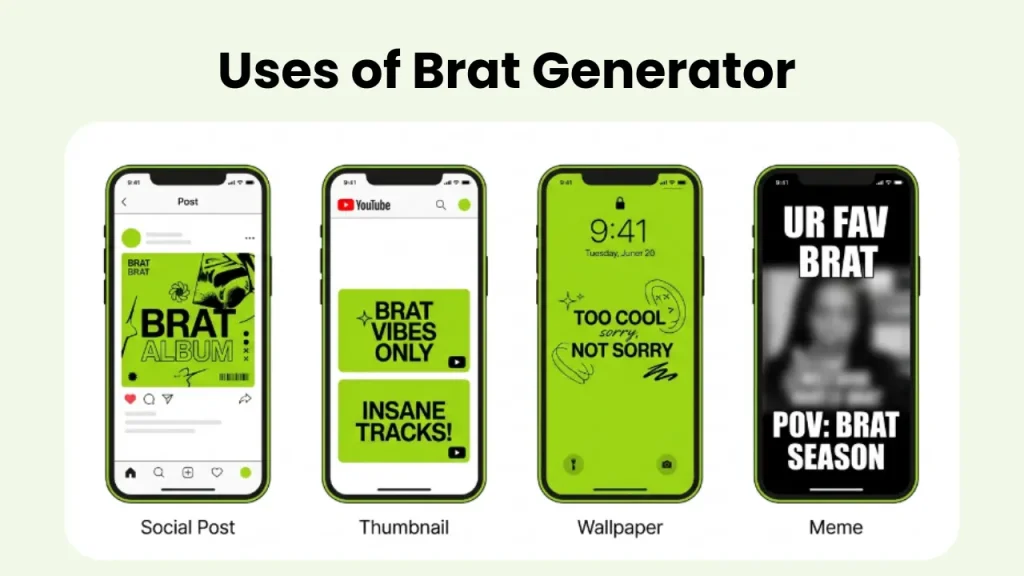
Most people use it for their social media content, whether it's quick brat-style image with their name, their mood or a short phrase. It makes their post stand out without looking over-produced. Some of the people use it as their youtube thumbnails which makes their videos unique. If you're a YouTuber or podcaster, the style adds personality to your cover art without needing a full design setup.
People use it for personalized, bold, and simple phone wallpapers too.You can keep your favourite quote on your wallpaper in unique brat style. It's a way to have something custom without paying a designer. You can also use it for memes, birthday posts, event announcements, and reaction images. The style has flexibility because the text is the whole point. You can also download your image with a transparent background, which makes it easy to place the text over any other design.
Images created by users
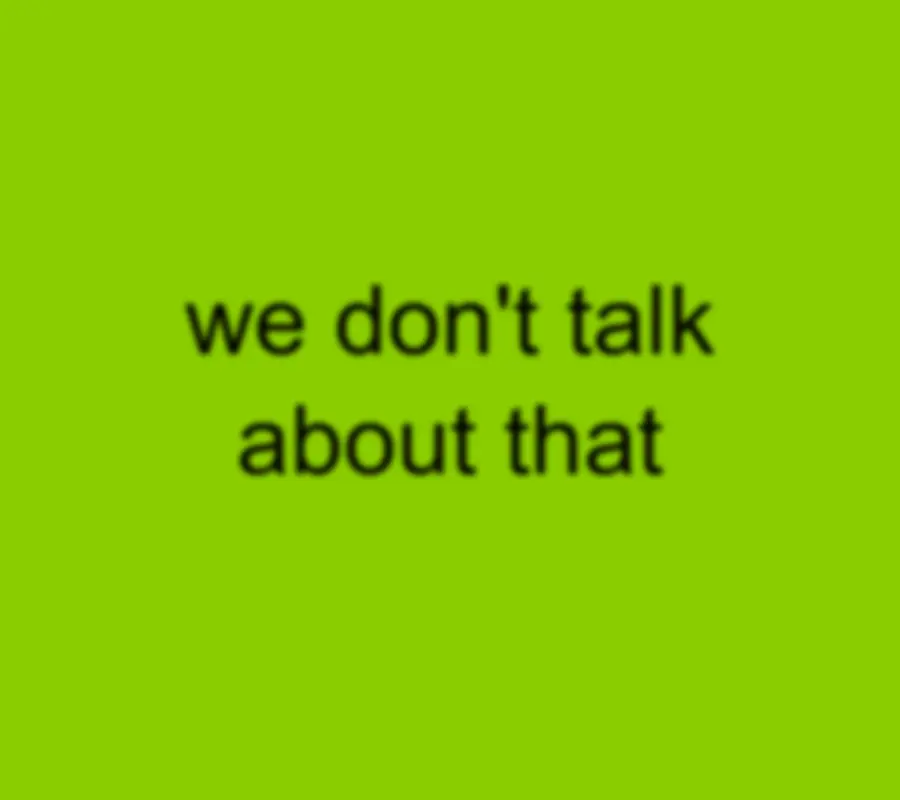
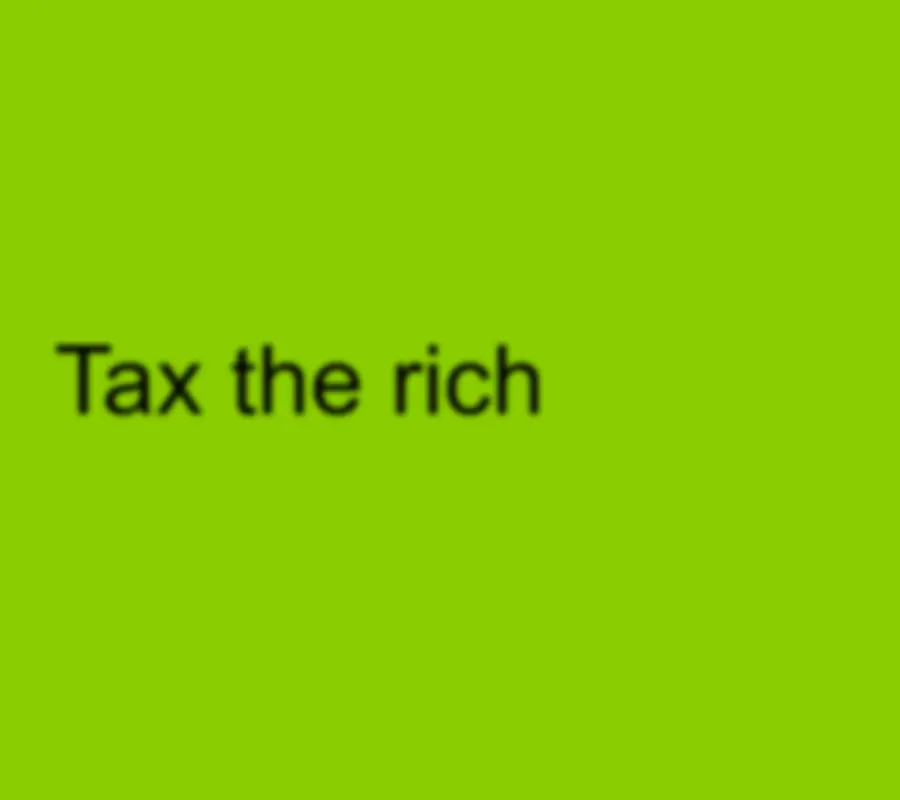
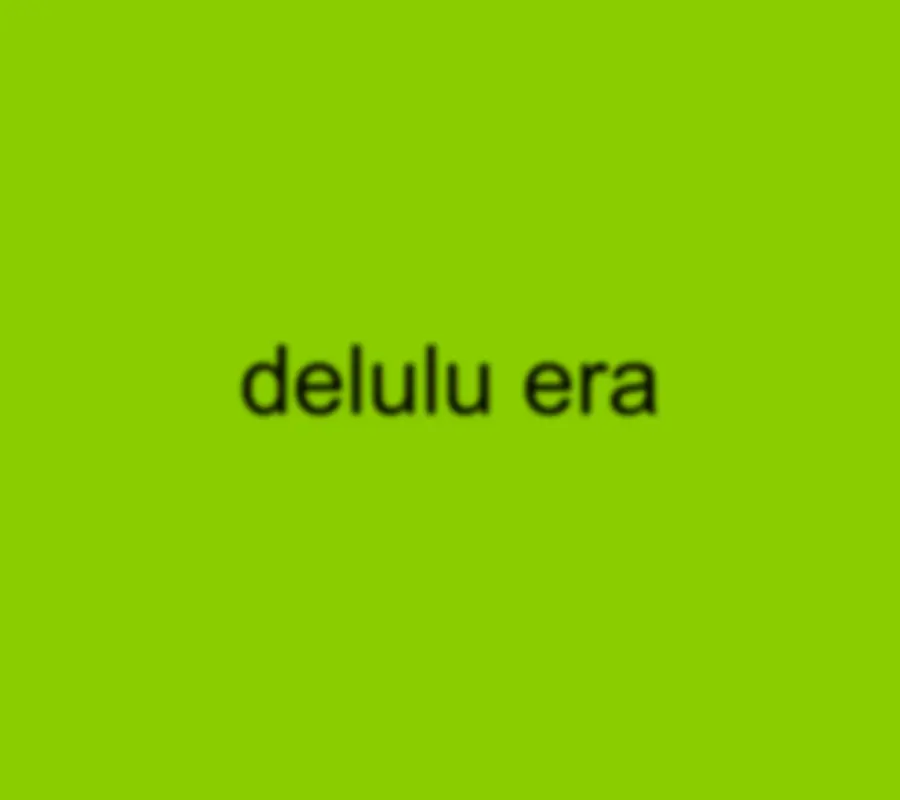
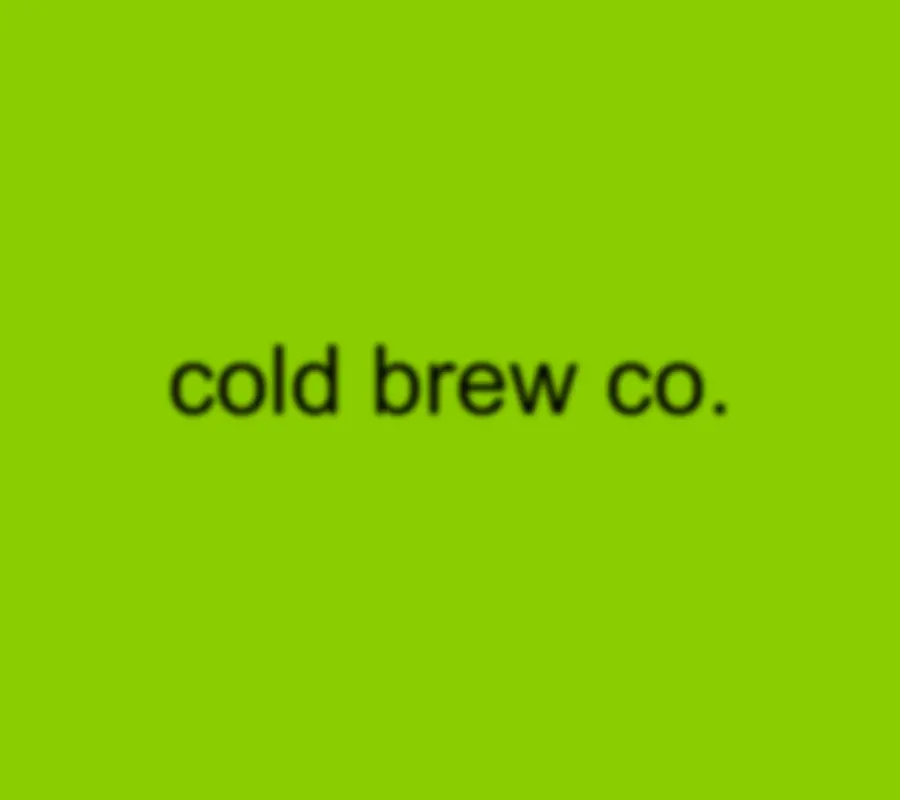
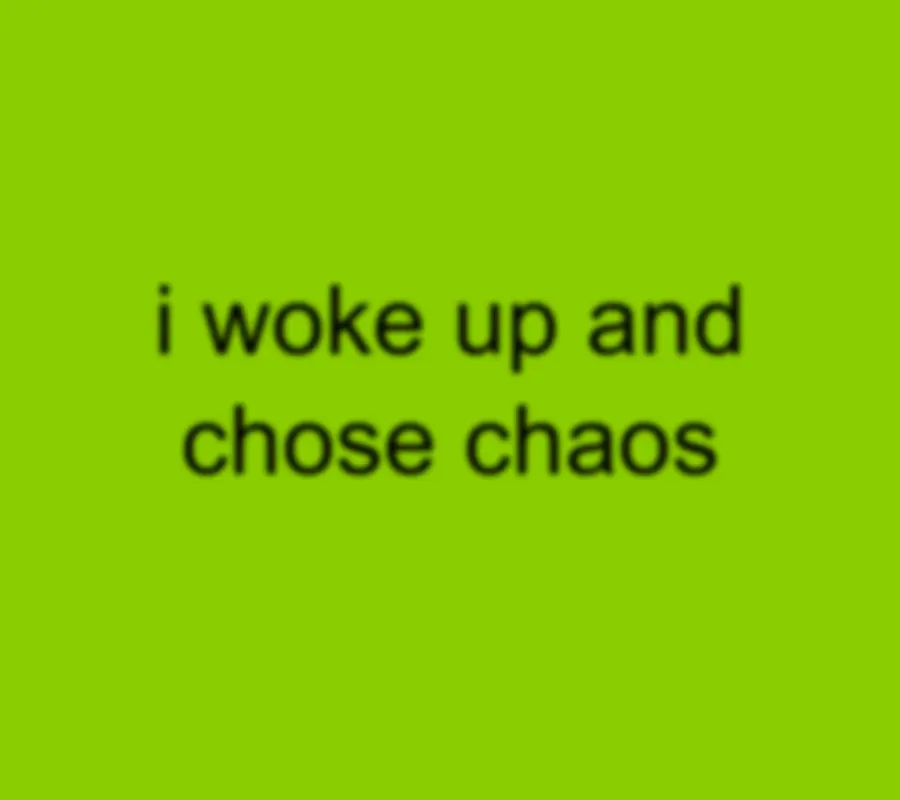
People have been using this tool in ways that go well beyond what you might expect. Here the gallery of user-created images shows names of real people, inside jokes, political statements, aesthetic moods, product names, and even full sentences.
Users Reviews About Our Text Generator Tool
People have shared their thoughts after using the tool, and the feedback says a lot about what actually makes it useful.
Saves Time Every Time
I needed something fast for an Instagram story and this did it in literally one minute. I've bookmarked the page and I use it every few days now. My favourite feature is “Preview”, I can see changes as I type and it feels really responsive.

Smoother Than Expected
I am not going to lie, I was skeptical. I thought it would be another clunky web tool that half-works. But it is actually smooth and delivers what I need. I made like six different versions with different colors and words in under ten minutes. It is very fast and responsive.
Perfect for Fan Pages
I run a small fan page and this has become my go-to for making quick graphics with no boundaries. The no-signup thing is huge for me because I hate making accounts for tools I'll use a handful of times. This just works immediately, which is all I need.
Great for Thumbnails
I am using it to make thumbnails for a playlist I was curating and the results actually looked intentional, not like I slapped something together. The custom hex color option is a great touch. Matched it to my brand colors and it worked perfectly.




My Personal Experience with Brat Generator
I built it because most tools either locked features behind a subscription or simply didn't do what I needed. I wanted something fast, free, and focused. Just type your text, pick a color, and get a clean brat-style image out. After launching it, I started using it myself for social media posts, thumbnails, and quick story graphics. The first image took me barely forty seconds. The engagement on posts made with it was noticeably better than my usual visuals. That honestly surprised me.
So I made it public with no restrictions, no sign-up, nothing. My honest take: it does one thing and does it very well. I haven't found anything faster or cleaner for this specific style. The tool is completely browser based and unblocked on most networks including school and office connections.
Common Issue and Their Solutions
Most of the users get through the tool without any trouble but if something feels off on your end, the fixes below cover the most common situations. And if your issue is not listed here, feel free to reach out to us. We look at every message and use the feedback to make the tool better.
If you find the website not working, the very first solution is to try refreshing the page.
Text looks too long and gets cut off
It happens when you enter a very lengthy text, make sure to shorten your text or break it into two shorter lines. Try keeping it under five or six words for the best result.
Download button doesn't respond
This can happen if the page has been open for a long time. You simply need to refresh the page and try again. Most of the time a simple reload fixes it.
Image looks blurry after downloading
The file is generated at a standard resolution that looks sharp at normal viewing sizes. Make sure that you're not zooming in excessively before posting.
Custom hex color isn't applying
Double-check that you're entering the full hex code including the hash symbol at the start. For example, the right format of hex code is #8ace00.
Page loads slowly on mobile
The tool runs in the browser but if your phone's memory is stretched, it can be sluggish. So, close any other tabs or apps running in the background and then refresh the page.
More Brat Tools
Whether you need styled text, a sticker, or a full lyric set, all the tools are built around the same brat aesthetic.
Brat Lyric Generator
Pick a mood, choose your vibe, and get short bold lyrics in seconds. Hyperpop, Romantic, and Aggressive each produce completely different results for the same theme so you can keep generating until something clicks. Download a styled PNG or copy the plain text directly to use anywhere.
Brat Text Generator
Type anything and instantly get seven Unicode styled versions you can copy and paste into your Instagram bio, TikTok name, or Discord username without downloading a single file. It also exports an HD PNG at 2160x2160 if you need a print ready or video overlay visual.
Brat Sticker Generator
Choose from six sticker shapes, add your text or pick a brat coded icon, and download a transparent PNG that works directly in WhatsApp sticker packs, TikTok overlays, and CapCut edits without any background box getting in the way. Physical print export is also available.
Brat Meme Generator
The only free brat meme maker that lets you upload your own photo, pick from six preset meme templates, and add multi-layer text in the signature brat style. Download a clean PNG instantly with the lo-fi filter and default blur already doing the heavy lifting.
Conclusion
Most tools make simple things complicated and that is exactly the problem I wanted to solve when I built this Brat Generator. You type your text, pick a color, set the alignment, and your image is ready in seconds. No design skills, no account, no subscription, nothing to figure out.
Whether you are making a meme, a social post, a thumbnail, or just something fun, this free brat generator online gets it done faster than anything else out there. Give it one go and you will see why people keep coming back to it.