Brat Font Generator – Preview and Download Brat Style Fonts Instantly
Most people searching for the brat font end up on a Reddit thread, a font download site with malware warnings, or a tutorial that tells them to install something just to preview a single typeface. None of that is fast and none of it gives you a finished image you can actually use.
This Brat Font Generator skips all of that. Type your text, pick from 16 fonts across five style categories, and download a clean PNG in seconds. The preview updates live on every keystroke so you always see exactly what you are getting before you download anything.
Picture this: you are building a TikTok thumbnail at 10pm and you need the brat font but you do not have it installed anywhere. You open this tool, type your text, and the exact Arial Narrow 900 weight font used on Charli XCX's album cover loads instantly with no install, no download, no account. That is what this tool is built for.
What Is Brat Font Generator
Brat Font Generator is a free browser based tool that lets you type any text and instantly preview it in the exact font used on Charli XCX's Brat album cover. It is a live font previewer, a style customizer, and an image downloader all in one place.
It is the only tool on this site where the font itself is the main feature. You choose from 16 typefaces across five style categories, compare six simultaneous styled variations from a single text input, and download the one that fits. Everything renders in lowercase automatically because that is the core of the brat aesthetic.
How to Use Charli XCX Font Generator
There are 5 easy steps to use the brat font maker, read them before getting started.
Type your text into the input field. Up to 60 characters are supported and the live preview updates on every single keystroke without needing to hit any button.
Choose your font from the dropdown menu. Arial Narrow is pre-selected by default as the exact brat font. Switch to any other font and the preview updates instantly to show you the new style.
Set your background and text colors using the presets or enter a custom hex code. Adjust the font size and blur sliders, then pick your text alignment from left, center, or right.
Hit Generate to see six pre-styled variations of your text appear as separate cards at the same time. Each card shows a different color and blur combination built around the brat aesthetic.
Download the variation you want using its own button, or use the custom download to export your personally configured style as a standard PNG or an HD PNG at double the resolution.
The 16 Fonts Explained
Brat Style
Arial Narrow at weight 900, all lowercase, with soft 1px blur. This is the exact font used on the Charli XCX Brat album cover. It loads instantly as a system font with no network request needed. Every other font on the list is loaded from Google Fonts only when selected.
Hyperpop and Y2K
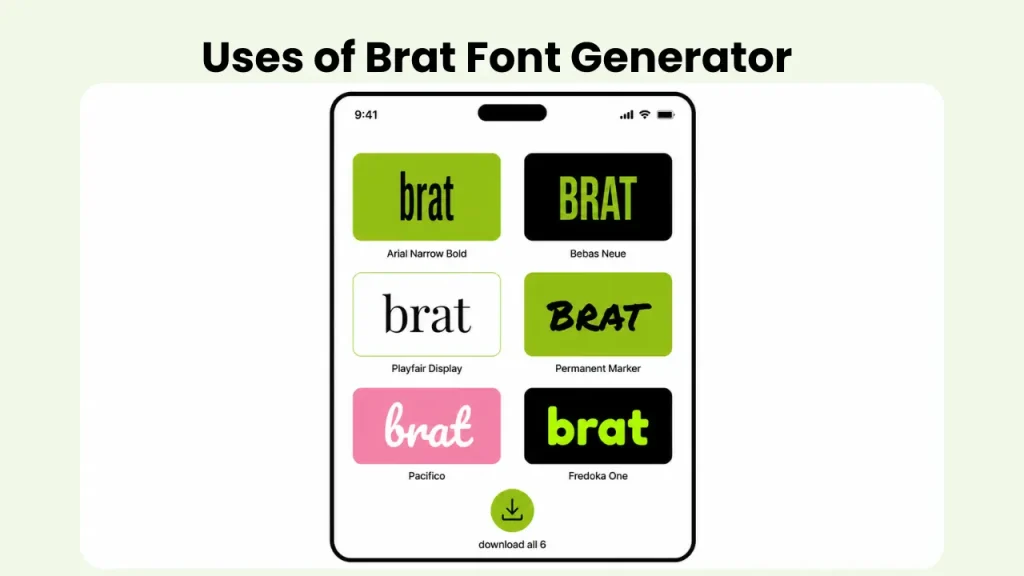
Bebas Neue for tall bold TikTok energy. Black Han Sans for chunky impactful weight. Abril Fatface for dramatic high contrast. Fredoka One for bubbly rounded Y2K feel. Righteous for retro arcade energy.
Aesthetic and Soft
Playfair Display for elegant editorial that girl energy. Cormorant Garamond for soft luxury fashion magazine feel. DM Serif Display for clean modern editorial. Josefin Sans for minimal Scandinavian aesthetic.
Grunge and Edge
Special Elite for typewriter style raw and messy output. Permanent Marker for thick handwritten meme coded feel. Covered By Your Grace for casual handwritten script. Rock Salt for rough textured handwriting.
Retro and Fun
Pacifico for retro script with a 70s feel. Lilita One for bold rounded display energy.
The Six Variations
After you hit Generate, six pre-styled cards appear simultaneously from your text. Each one has its own Download button and renders at 1080x1080 pixels.
| Variation | Background | Text Color | Blur |
| Classic Brat | Lime green | Dark | 1px |
| Dark Brat | Black | Lime green | 2px |
| Clean Brat | White | Dark | None |
| Blurred Brat | Lime green | Dark | 6px |
| Pink Brat | Pink | White | 1px |
| Neon Brat | Black | Neon green | 3px |
All six render at the same time so you can compare them before deciding which one to download. No other tool on this site shows six different outputs from one text input simultaneously.
Features of Brat Font Generator
This tool was built specifically around the font as the main feature. Here is what it gives you.
16 Font Choices
Five grouped style categories covering brat style, hyperpop, aesthetic, grunge, and retro. The brat font loads instantly as a system font. All others load from Google Fonts only when selected so the page stays fast on arrival.
Live Preview
The preview updates on every single keystroke without pressing any button. Every font change, color change, blur adjustment, and size change reflects instantly. You are always looking at the actual output before downloading anything.
Six Variations
One Generate tap produces six fully styled output cards at the same time. Each variation has its own pre-configured color combination and blur level. Each has its own Download button. Compare all six before you decide.
Font Specs Box
A reference panel below the variation cards shows the exact technical specs of the original brat font. Font family, weight, case, blur level, the lime green hex code, and letter spacing. Designed for anyone who wants to recreate the look in Canva, Photoshop, or CapCut without guessing at the details.
HD Download
Two export options for your custom style. Standard PNG at 1080x1080 for social media and HD PNG at 2160x2160 for print quality, large format, or high resolution video overlays. What you see in the preview is exactly what you get in the file.
Custom Colors
Six background presets including the signature lime green, black, white, pink, purple, and dark, plus custom hex input. Six text color presets plus custom hex. Full control over both so you can match any brand shade or personal aesthetic.
Blur and Size Control
Blur slider from 0 to 10px defaults to 1px matching the original album cover soft focus look. Font size slider from 18px to 80px scales your text for any format from a small caption graphic to a large print ready image.
Auto Lowercase
Every output converts to lowercase automatically regardless of how you type. This is not optional because lowercase is the defining characteristic of the brat aesthetic and the tool enforces it across all 16 fonts and all six variations.
All fonts outside the default brat style are loaded on demand from Google Fonts so the page stays fast on arrival.
What You Can Make With Brat Font Maker
- The most common use is finding the exact brat font for a social media post or thumbnail. Type your text, keep the default Arial Narrow, download the Classic Brat variation, and your image is ready in under a minute.
- Designers use the Font Specs Box to copy the exact technical details and recreate the look in their own tools. The hex code, blur level, font weight, and letter spacing are all listed so there is no guesswork involved.
- Content creators use the six variations as a quick A/B comparison. Generate all six from the same text, screenshot them side by side, and decide which color combination works best for the platform they are posting to.
- The Dark Brat and Neon Brat variations work especially well for TikTok thumbnails and YouTube covers because the high contrast holds up at small sizes when the thumbnail appears in a feed.
- The Clean Brat white background version works well for Instagram Stories where a plain background layers more cleanly over other Story elements.
If you want to turn your font output into a sticker, take the downloaded PNG into the Brat Sticker Generator. If you want to add it to a meme layout with photo upload, the Brat Meme Generator supports PNG imports. If you need the brat font as copy paste Unicode text rather than an image, the Brat Text Generator handles that. And if you need words to put into this tool first, the Brat Word Generator generates brat coded words and phrases instantly.
Sample Images Created With Brat Font Generator
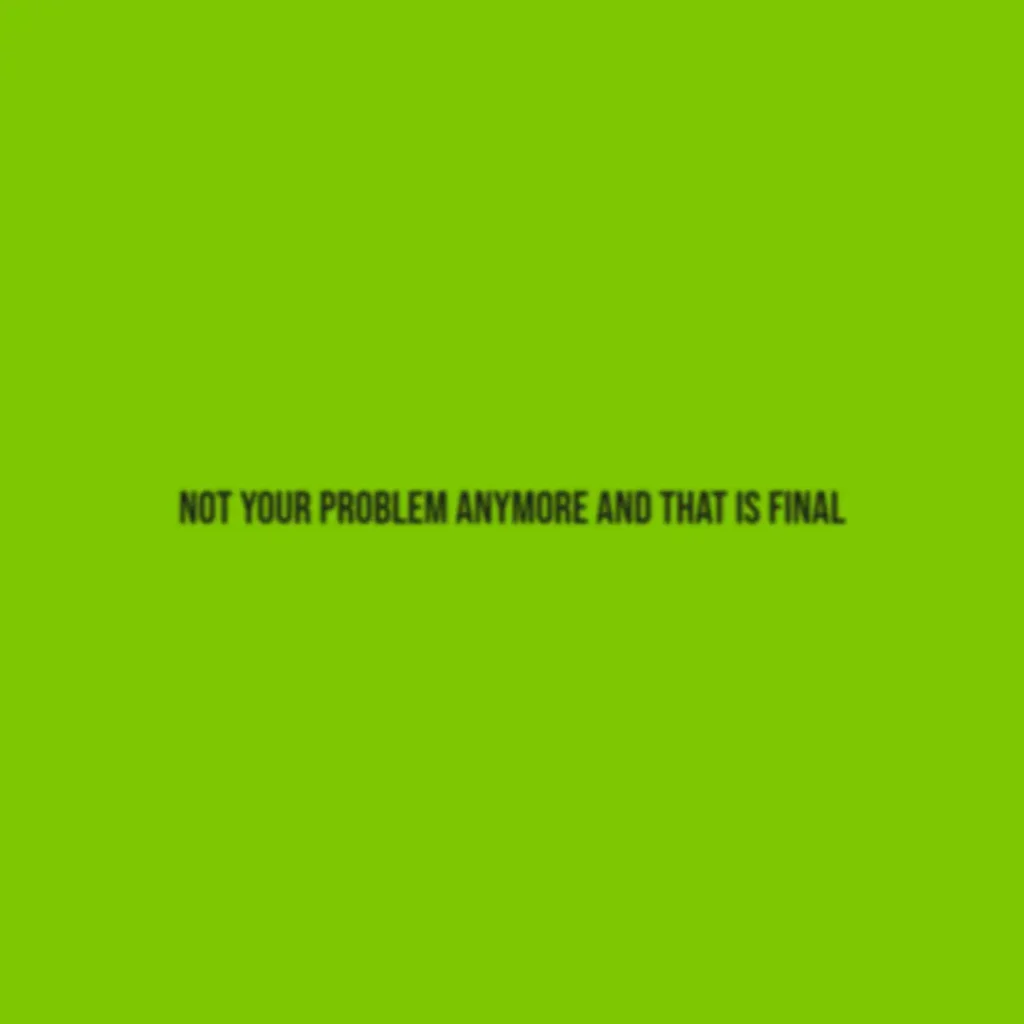
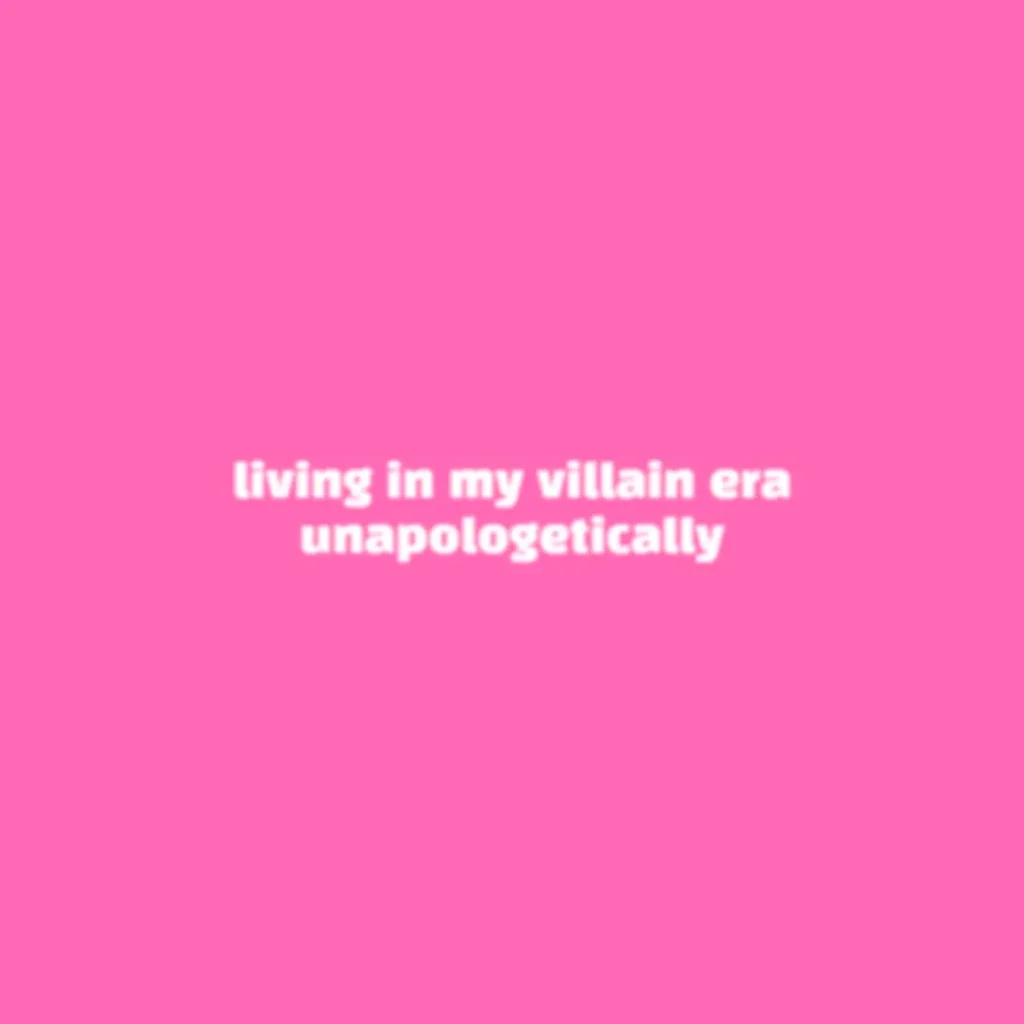
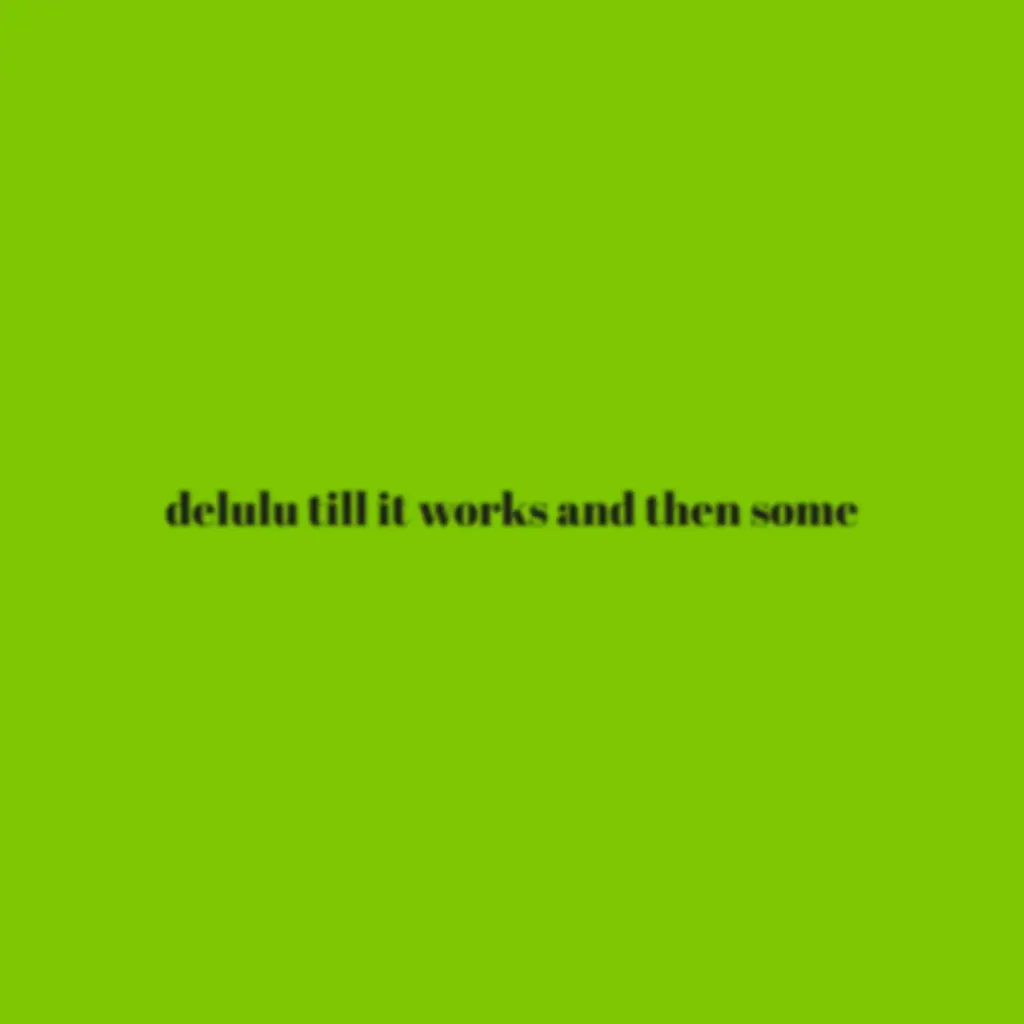
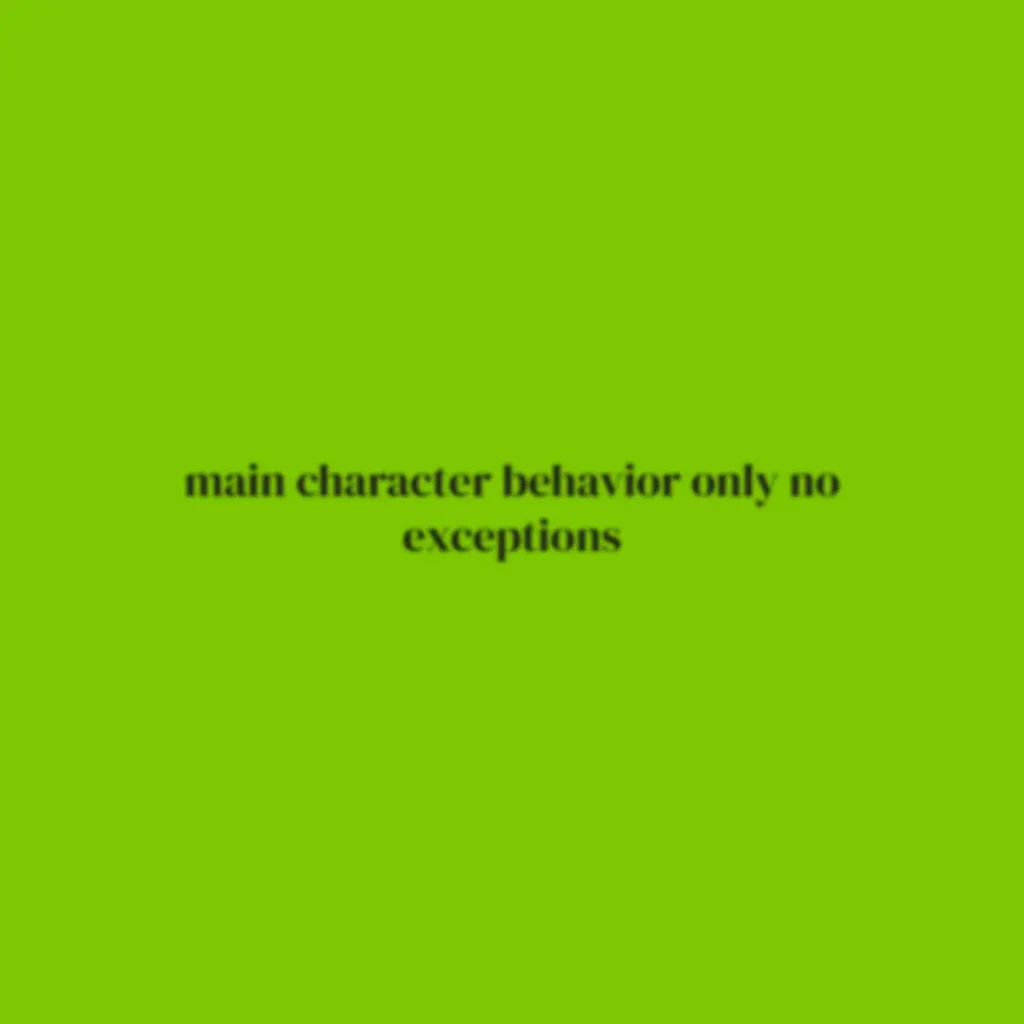
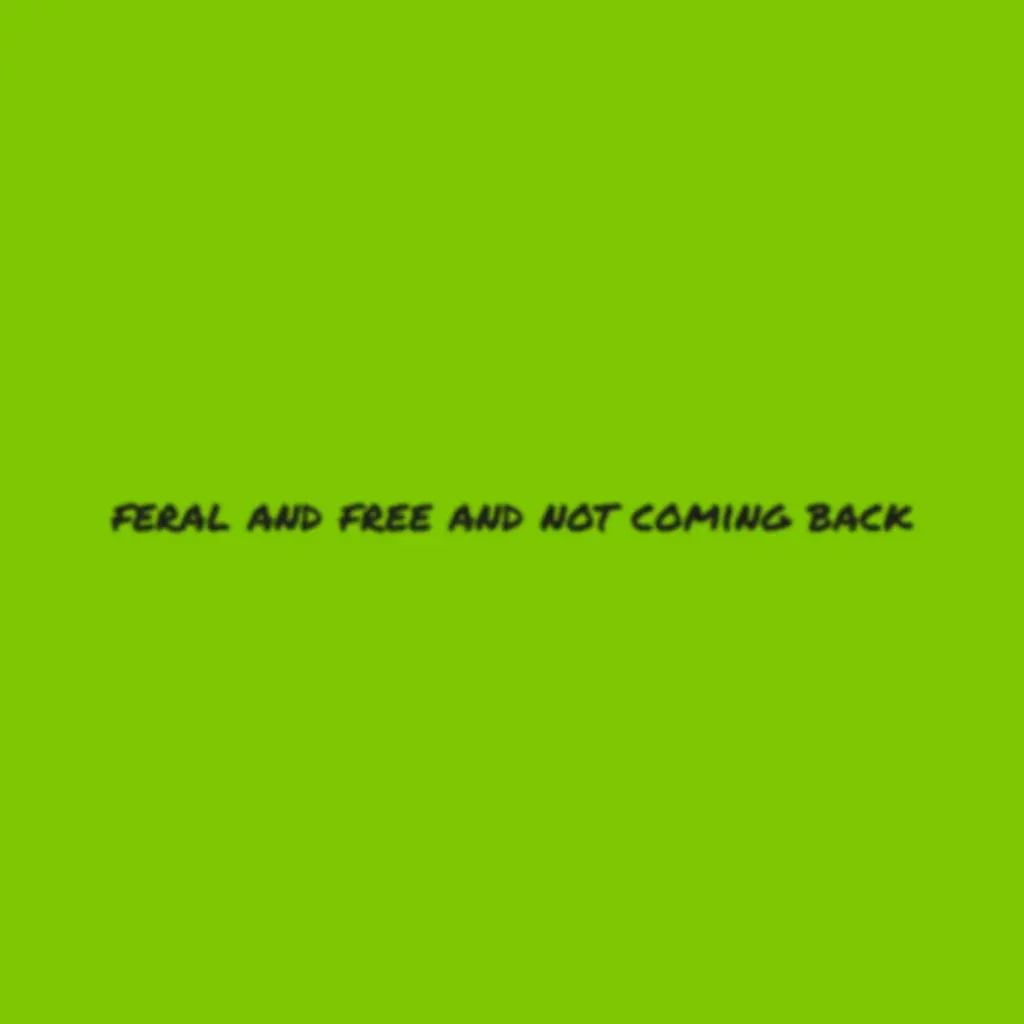
These are real outputs made directly with the tool using different fonts, colors, and phrases. Each one took under a minute to create. Browse through them to get a feel for how different fonts and backgrounds change the whole look before you start making your own.
User Reviews About the Tool
Here is what people said after using the tool.
Conclusion
Most font tools make you download a file, install it, open another app, and then figure out the right settings yourself. This free brat font generator skips every one of those steps. Type your text, explore 16 fonts, compare six styled variations side by side, and download the one that works. The Font Specs Box is there if you need the technical details for your own design tools.
Whether you are making a thumbnail, a social post, or recreating the brat aesthetic in Canva, this Charli XCX font generator gets you from blank input to finished PNG faster than any other method. Open it and see for yourself.